
 字体
字体
# 字体
- 字体相关的样式
我们前面讲过字体的两个属性
color用来设置字体颜色font-size字体的大小em相当于当前元素的一个font-sizerem相对于根元素的一个font-size
当然,字体的属性并不止这些
- font-family
font-family 字体族(字体的格式)
serif衬线字体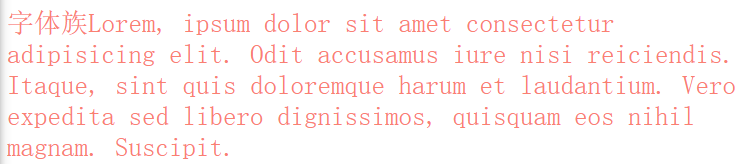
sans-serif非衬线字体
monospace等宽字体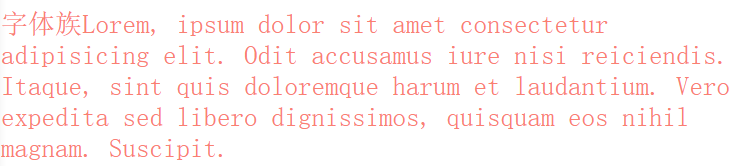
cursive手写体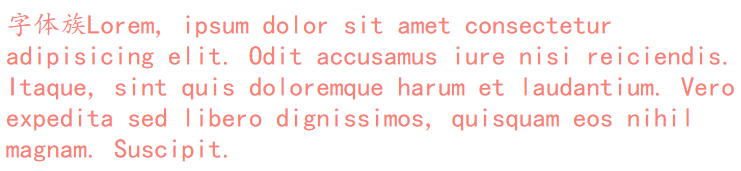
fantasy梦幻字体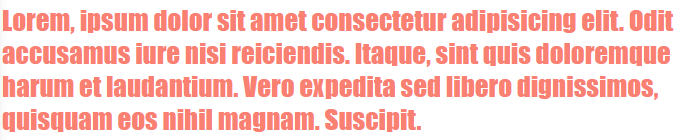
上述字体均不表示具体的某种字体,而是字体的分类
我们经常使用的一些字体,如微软雅黑、黑体、楷体、宋体、Consolas等,才是具体的某种字体
也就是说,font-family 指定字体的类别,浏览器会自动使用该类别下的字体
font-family可以同时指定多个字体,多个字体间使用,隔开
字体生效时优先使用第一个,第一个无法使用则使用第二个,以此类推
font-family: "Courier New", Courier, monospace;
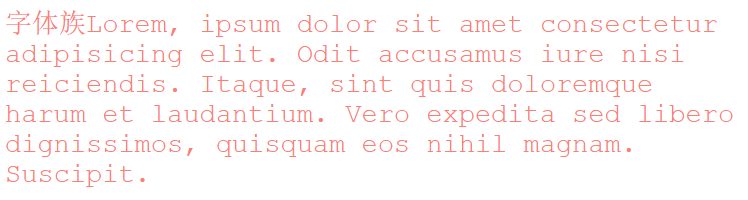
- 几种字体
我是乱分类的,随便看看就好
# 手写体
Indie Flower

Ink Free

Nanum Pen

MV Boli

Segoe Print

Shadows Into

# 艺术体
Barrio

Julius Sans One

Lobster

Monoton

Poiret One

# 乱码字体
MT Extra

Symbol

Webdings

Wingdings

# 中文字体
方正粗黑宋简体

微软雅黑

黑体

楷体

宋体

仿宋

- @font-face
我们除了可以使用系统自带的字体样式外,还可以在服务器端自定义字体位置
@font-face可以将服务器中的字体直接提供给用户去使用
@font-face {
  /* 指定字体名字 */
  font-family: "myFont1";
  /* 服务器中字体路径 */
  src: url("/font/ZCOOLKuaiLe-Regular.woff"),
    url("/font/ZCOOLKuaiLe-Regular.otf"),
    url("/font/ZCOOLKuaiLe-Regular.ttf") format("truetype"); /* 指定字体格式,一般不写 */
}

p {
  font-size: 30px;
  color: salmon;
  font-family: myFont1;
}
2
3
4
5
6
7
8
9
10
11
12
13
14

问题
加载速度:受网络速度影响,可能会出现字体闪烁一下变成最终的字体
版权:有些字体是商用收费的,需要注意
字体格式:字体格式也有很多种(woff、otf、ttf),未必兼容,可能需要指定多个
图标字体(iconfont)
# 图标字体简介
在网页中经常需要使用一些图标,可以通过图片来引入图标但是图片大小本身比较大,并且非常的不灵活
所以在使用图标时,我们还可以将图标直接设置为字体,然后通过@font-face的形式来对字体进行引入
这样我们就可以通过使用字体的形式来使用图标
# fontawesome
官方网站:https://fontawesome.com/ (opens new window)
下载解压完毕之后,直接将 css 和 webfonts 移动到项目中即可使用
示例
<link rel="stylesheet" href="/font/fontawesome/css/all.css" />
<style>
  i {
    color: green;
  }

  .fa-venus-mars,
  .fa-mars-double {
    color: red;
  }

  .fa-html5 {
    color: #e34d22;
  }

  .fa-css3 {
    color: blue;
  }

  .fa-js {
    color: #d1b514;
  }
</style>

<!-- 大小 -->
<i class="fab fa-weixin fa-lg"></i>
<i class="fab fa-weixin fa-2x"></i>
<i class="fab fa-weixin fa-3x"></i>
<br />

<!-- 边框 -->
<i class="fab fa-weixin fa-2x fa-border"></i>
<br />

<!-- 旋转 -->
<i class="fab fa-weixin fa-2x  fa-rotate-90 "></i>
<!-- 水平对称 -->
<i class="fab fa-weixin fa-2x fa-flip-horizontal "></i>
<!-- 垂直对称 -->
<i class="fab fa-weixin fa-2x fa-flip-vertical "></i>
<br />

<!-- 动画 -->
<i class="fa fa-venus-mars fa-3x fa-spin"></i>
<i class="fa fa-mars-double  fa-3x fa-pulse"></i>
<br />

<!-- 列表 -->
<ul class="fa-ul">
  <li><i class="fa-li fa fa-check-square"></i>can be used</li>
  <li><i class="fa-li fa fa-spinner fa-spin"></i>as bullets</li>
  <li><i class="fa-li fa fa-square"></i>in lists</li>
</ul>
<br /><br /><br />

<!-- 组合 -->
<span class="fa-stack fa-lg">
  <i class="fab fa-html5 fa-stack-1x fa-10x"></i>
  <i class="fab fa-css3 fa-stack-1x fa-4x"></i>
  <i class="fab fa-js fa-stack-1x fa-2x"></i>
</span>
2
3
4
5
6
7
8
9
10
11
12
13
14
15
16
17
18
19
20
21
22
23
24
25
26
27
28
29
30
31
32
33
34
35
36
37
38
39
40
41
42
43
44
45
46
47
48
49
50
51
52
53
54
55
56
57
58
59
60
61
效果
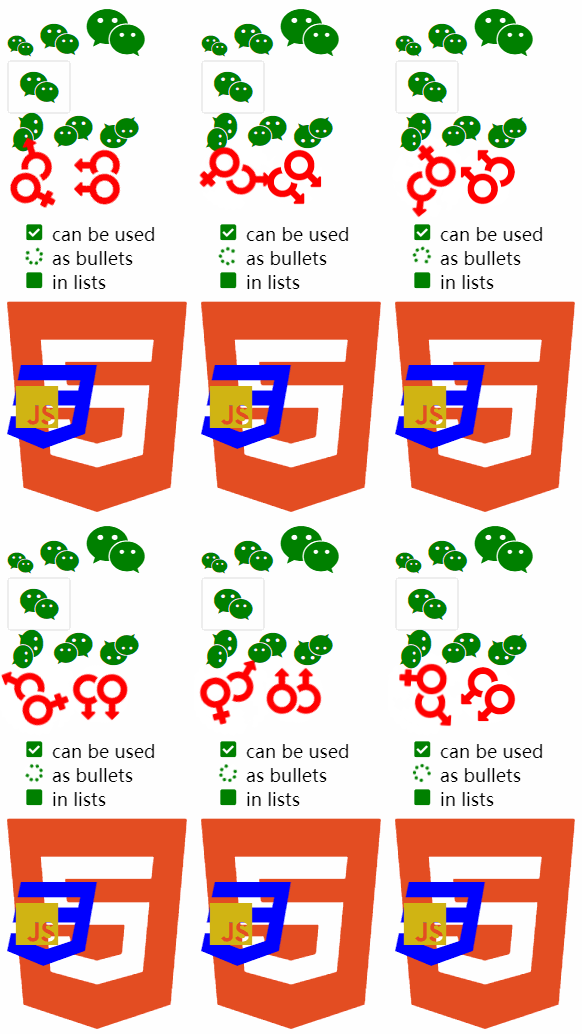
其中fas/fab是免费的,其他是收费的
# 图标字体其他使用方式
# 通过伪元素设置
- 找到要设置图标的元素通过
::before或::after选中 - 在
content中设置字体的编码 - 设置字体的样式
fab:font-family: 'Font Awesome 5 Brands';fas:font-family: 'Font Awesome 5 Free'; font-weight:900;
示例
<style>
  .poem {
    width: 200px;
    height: 300px;
    margin: auto;
  }

  li {
    list-style: none;
    margin-left: -40px;
  }

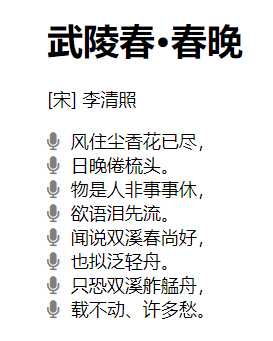
  li::before {
    content: "\f130";
    /* font-family: 'Font Awesome 5 Brands'; */
    font-family: "Font Awesome 5 Free";
    font-weight: 900;
    margin-right: 10px;
    color: gray;
  }
</style>

<div class="poem">
  <h1>武陵春·春晚</h1>
  <p>[宋] 李清照</p>
  <ul>
    <li>风住尘香花已尽,</li>
    <li>日晚倦梳头。</li>
    <li>物是人非事事休,</li>
    <li>欲语泪先流。</li>
    <li>闻说双溪春尚好,</li>
    <li>也拟泛轻舟。</li>
    <li>只恐双溪舴艋舟,</li>
    <li>载不动、许多愁。</li>
  </ul>
</div>
2
3
4
5
6
7
8
9
10
11
12
13
14
15
16
17
18
19
20
21
22
23
24
25
26
27
28
29
30
31
32
33
34
35
36
效果
# 通过实体设置
通过实体来使用图标字体:&#x图标编码;
示例
<i class="fas"></i>
效果

# iconfont
官方网站:https://www.iconfont.cn/ (opens new window)
iconfont 是阿里的一个图标字体库,海量图标库,图标字体非常丰富
但是版权有点模横两可,如果需要商用,最好联系作者
不过一般情况下,公司企业都会有自己的 UI 设计团队,会自己去进行设计
这里使用方式大同小异,不过
- iconfont 需要添加购物车后再添加至项目然后下载,下载包中有 demo.html,详细介绍了使用方式
- iconfont 也提供了一种在线方式,直接在
我的项目中选择在线链接可以复制出一份@font-face的 css 代码
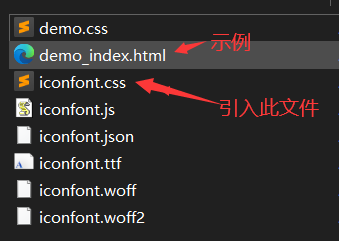
后续步骤与前面介绍的一致
示例
<!-- <link rel="stylesheet" href="/font/iconfont/iconfont.css"> -->
<style>
i.iconfont {
font-size: 100px;
}
p::before {
content: "\e811";
font-family: "iconfont";
font-size: 50px;
}
/* 3、通过在线连接:这里link和@font-face择其一即可 */
@font-face {
font-family: "iconfont";
/* Project id 2580407 */
src: url("//at.alicdn.com/t/font_2580407_c0kpuhebb7r.woff2?t=1622373966454")
format("woff2"), url("//at.alicdn.com/t/font_2580407_c0kpuhebb7r.woff?t=1622373966454")
format("woff"),
url("//at.alicdn.com/t/font_2580407_c0kpuhebb7r.ttf?t=1622373966454")
format("truetype");
}
</style>
<!-- 1、通过字符实体设置 -->
<i class="iconfont"></i>
<i class="iconfont"></i>
<i class="iconfont"></i>
<i class="iconfont"></i>
<!-- 2、通过伪元素设置 -->
<p>
Lorem ipsum, dolor sit amet consectetur adipisicing elit. Totam deserunt
tempore fugit quos eaque, ipsa rerum suscipit iure cumque aspernatur esse
cupiditate nihil quas nulla odit? Sequi accusantium labore maiores.
</p>
2
3
4
5
6
7
8
9
10
11
12
13
14
15
16
17
18
19
20
21
22
23
24
25
26
27
28
29
30
31
32
33
34
35
36
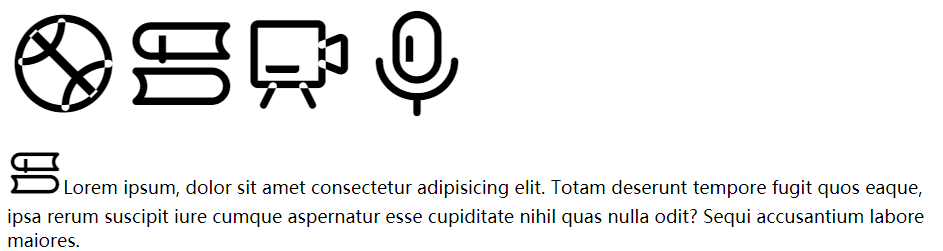
效果
- 行高
# 行高line height
文字占有的实际高度,可以通过line-height来设置行高
- 可以直接指定一个大小
px/em - 也可以直接为行高设置一个小数(字体大小的倍数)
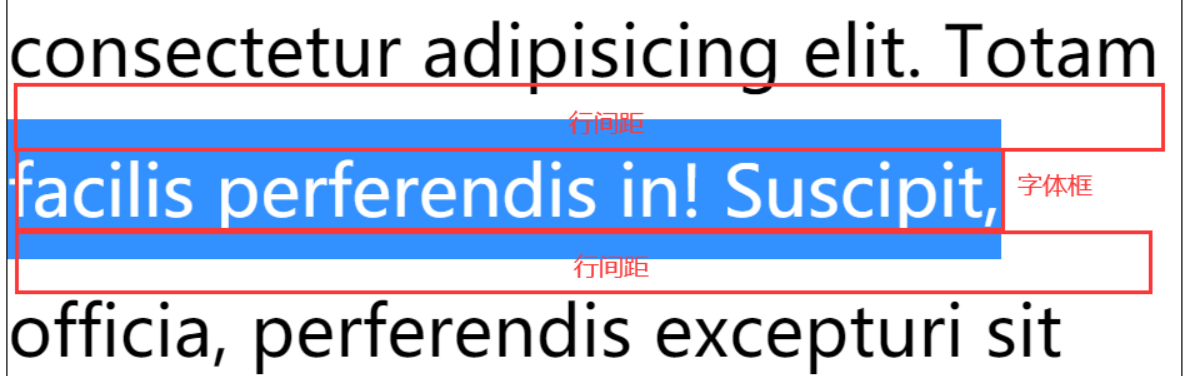
行高经常还用来设置文字的行间距:行间距 = 行高 - 字体大小
# 字体框
字体框就是字体存在的格子,设置font-size实际上就是在设置字体框的高度
行高会在字体框的上下平均分配
示例
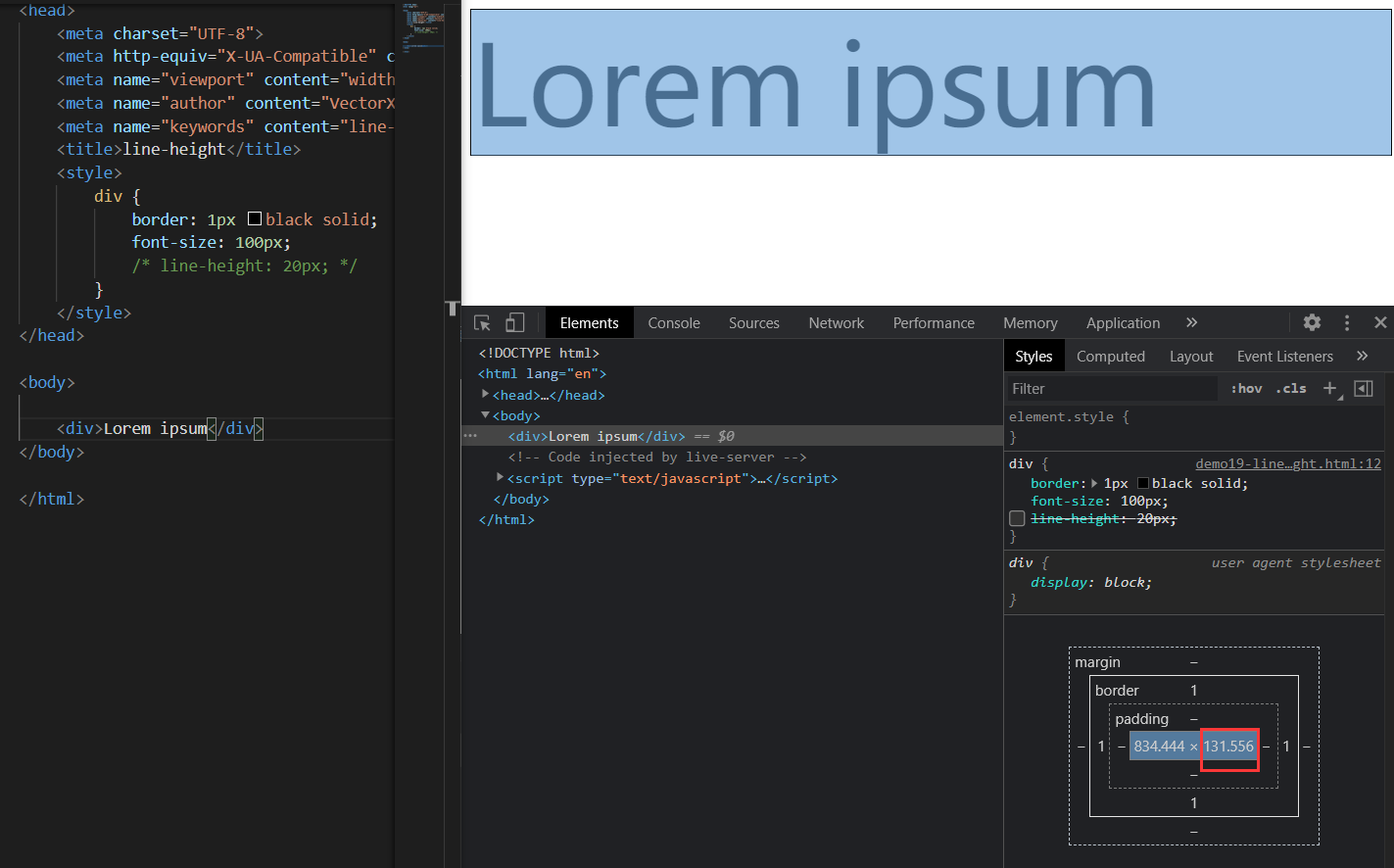
border: 1px black solid;
font-size: 100px;
/* line-height: 100px; */
2
3
不指定行高时,content高度131.556px:说明line-height默认值大约是1.31 ~ 1.32(倍数)
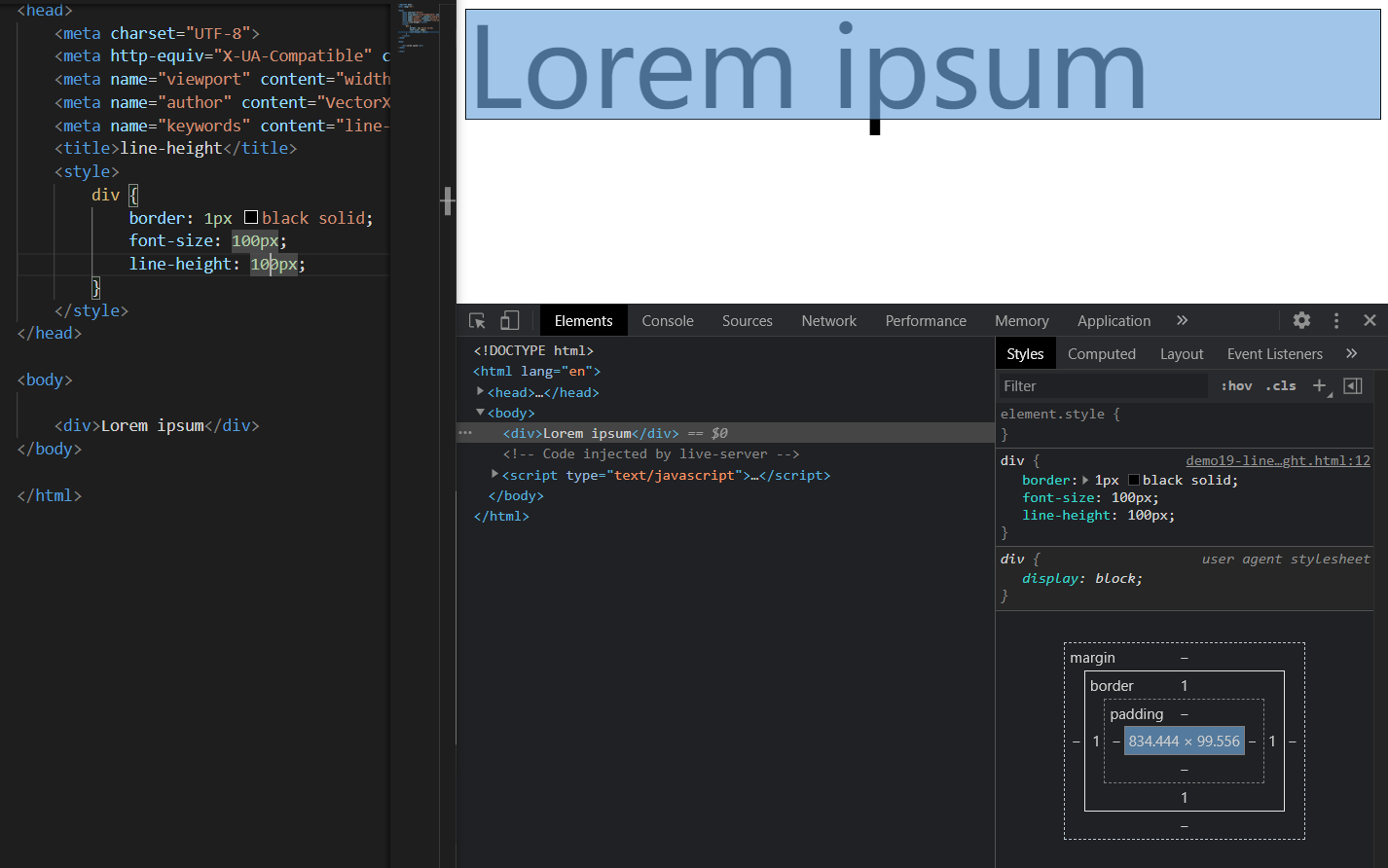
指定行高时,content高度99.556px:少了0.444px,并且字母p下面溢出
存疑问题
经测试,line-height大约比100.444px略大一点时,content高度才会大于100px,暂未知原因
# 字体的简写属性
font 可以设置字体相关的所有属性:
font: font-style font-variant font-weight font-size/line-height font-family
其中某些值可以不写,会用默认值
默认值
| 属性 | 默认值 | 其他常用值 |
|---|---|---|
font-style | normal | italic |
font-variant | normal | small-caps |
font-weight | normal | bold |
font-size | medium | small、large |
line-height | normal | |
font-family | 取决于浏览器 |
示例 1
/* font-size: 50px;
font-family: 'Courier New', Courier, monospace; */
font: 50px "Courier New", Courier, monospace;
2
3

示例 2
/* small-caps值设置小型大写字母字体,所有小写变大写,同时字体尺寸更小(了解即可) */
font: bold small-caps italic 50px "Courier New", Courier, monospace;
2

注意 Pay Attention:简写属性省略的值会使用默认值,所以会覆盖前面的非简写属性(不仅仅对于字体而言)
- 文本对齐方式
# 水平对齐
text-align 文本的水平对齐
text-align属性值 | 对齐方式说明 |
|---|---|
left | 左侧对齐 |
right | 右侧对齐 |
center | 居中对齐 |
justify | 两端对齐 |
left 左侧对齐

right 右侧对齐

center 居中对齐

justify 两端对齐

# 垂直对齐
vertical-align 设置元素垂直对齐的方式
vertical-align 属性值 | 对齐方式说明 |
|---|---|
baseline | 基线对齐 |
top | 顶部对齐 |
bottom | 底部对齐 |
middle | 居中对齐 |
baseline 基线对齐

top 顶部对齐

bottom 底部对齐

middle 居中对齐

这里的居中对齐高度 = 基线高度 + x 的高度 / 2
这种居中对齐并非实际上的居中对齐,一般也不会用这种方式对文字进行垂直方向的对齐
vertical-align 还可以设置 px 值设置垂直对齐方式
vertical-align: 10px;

图片的垂直对齐问题
<style>
  .imgDiv {
    border: 5px seagreen solid;
  }

  .imgDiv img {
    width: 400px;
    height: 300px;
  }
</style>

<div class="imgDiv">
  <img src="/assets/news.png" alt="" />
</div>
2
3
4
5
6
7
8
9
10
11
12
13
14
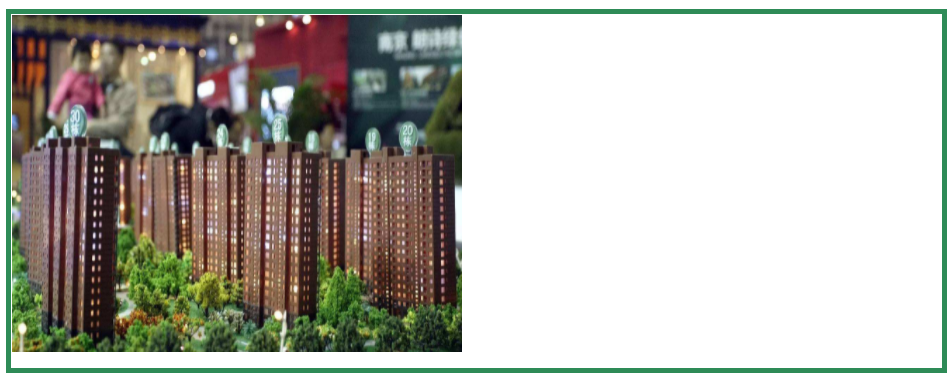
明显默认情况下,图片底部有一定缝隙,我们稍作修改,给 img 元素添加vertical-align属性值
/* 只要不是基线对齐,就能消除底部缝隙 */
vertical-align: top;
vertical-align: bottom;
vertical-align: middle;
2
3
4
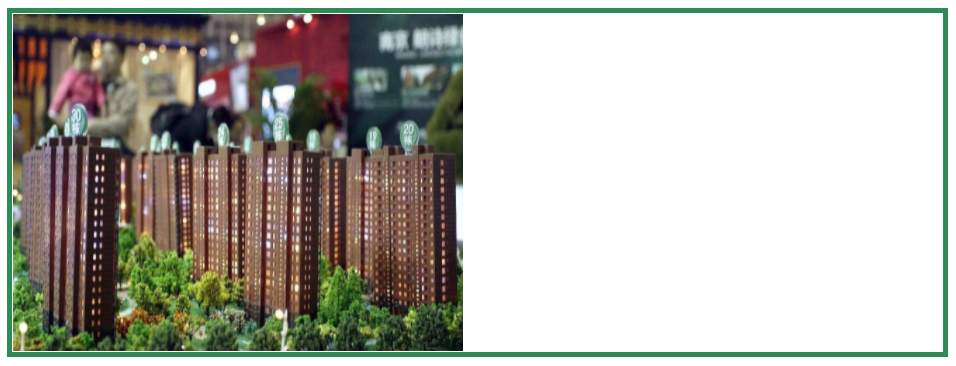
Q:为什么图片会有缝隙?
A:图片属于替换元素,特点与文本一致,也有自己的基线,默认也是基线对齐。而基线位置不在最底部,所以会出现缝隙